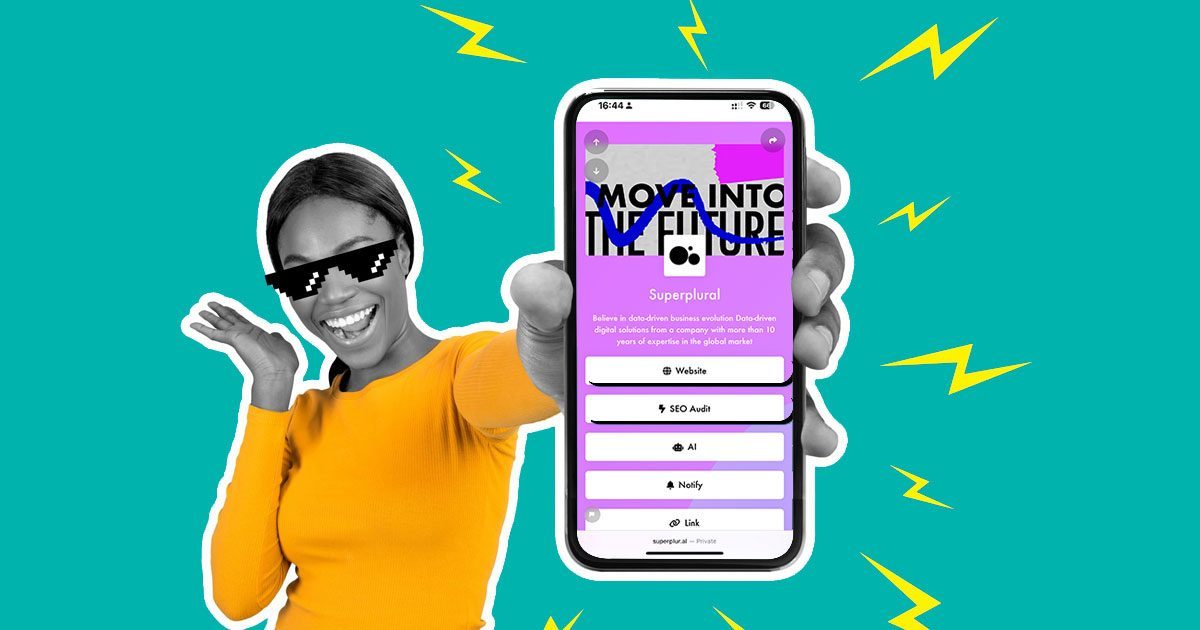

Learn how to create link in bio for Instagram and TikTok quickly and easily
With the growth of companies and influencers in the digital environment, the need for them to direct their followers to some place where they can deliver all their content and also show links to actions has grown.
These links are usually the so-called link in bio pages. These pages can usually be created by anyone, and their biggest feature is that they open quickly in the user’s browser, as they are optimized for mobile.
Now that you know what a bio link page is, let’s show you how to create one.
Create your link page in bio
To create your page you will follow the 5 steps below:
- Create an account at Geral for free;
- Create your first page;
- Customize;
- Insert blocks;
- Post and put the link in the bio.
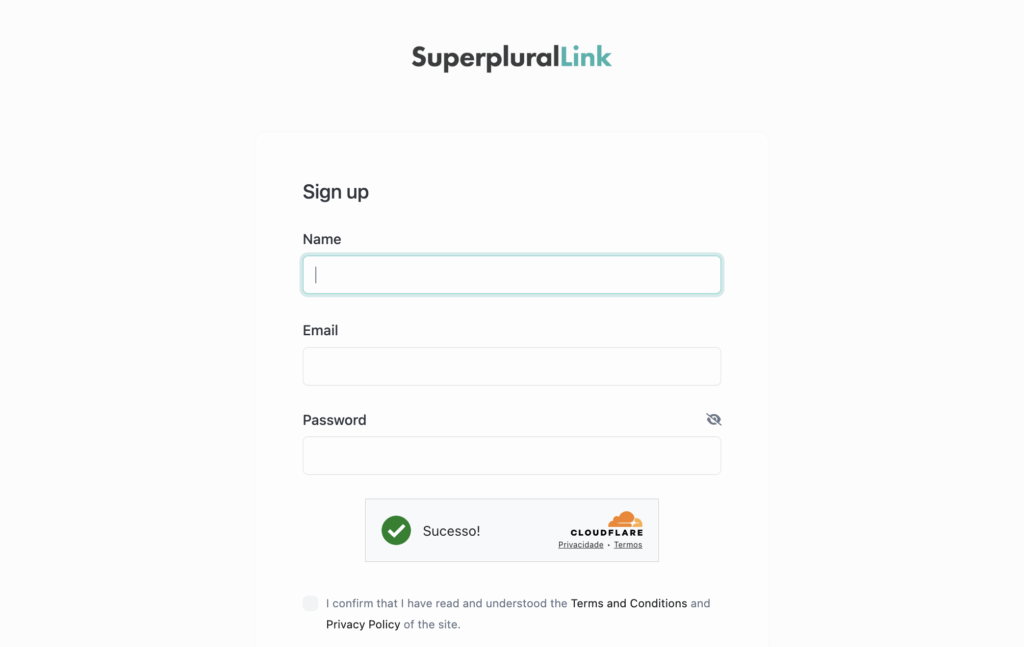
Create an account on Geral
Enter the Geral website and click the Register button. There we only ask for your name, email and to create a password, or you can also log in with your Google or Facebook account.
Create your first page
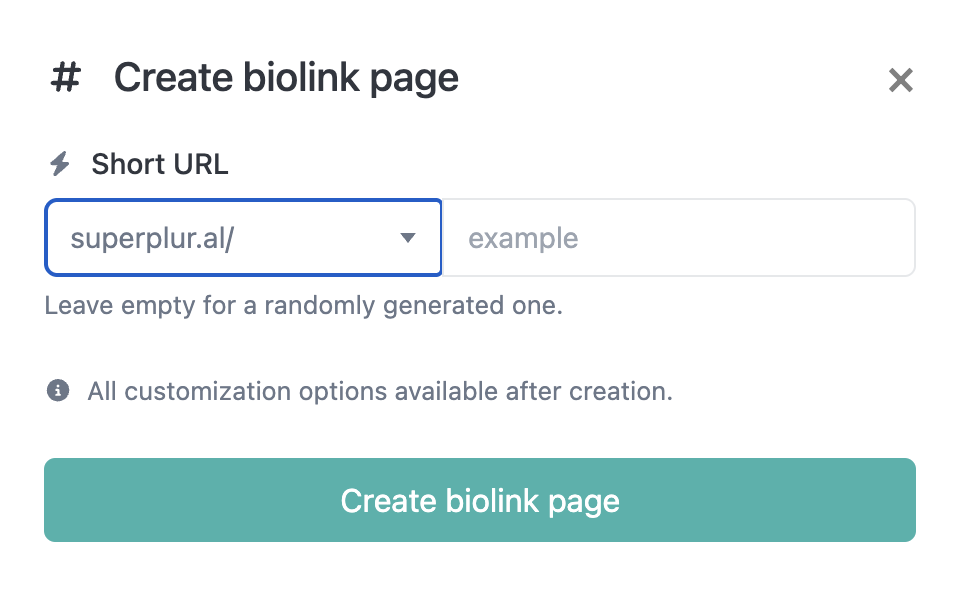
Upon entering your login and password, you will see a panel like the one below. Go to “Biolink page”, then “Create Biolink page”:

A screen will then open where you can choose the name of your page, which will look like this ger.al/name of your page. If you click “create” without putting any name, the platform will create a name and you can see it in the corner of the screen.
Customize
Give wings to your imagination and customize the colors, use a gradient, or also a background image. Your creativity will be crucial. Customize your page’s fonts and SEO .
Insert the blocks
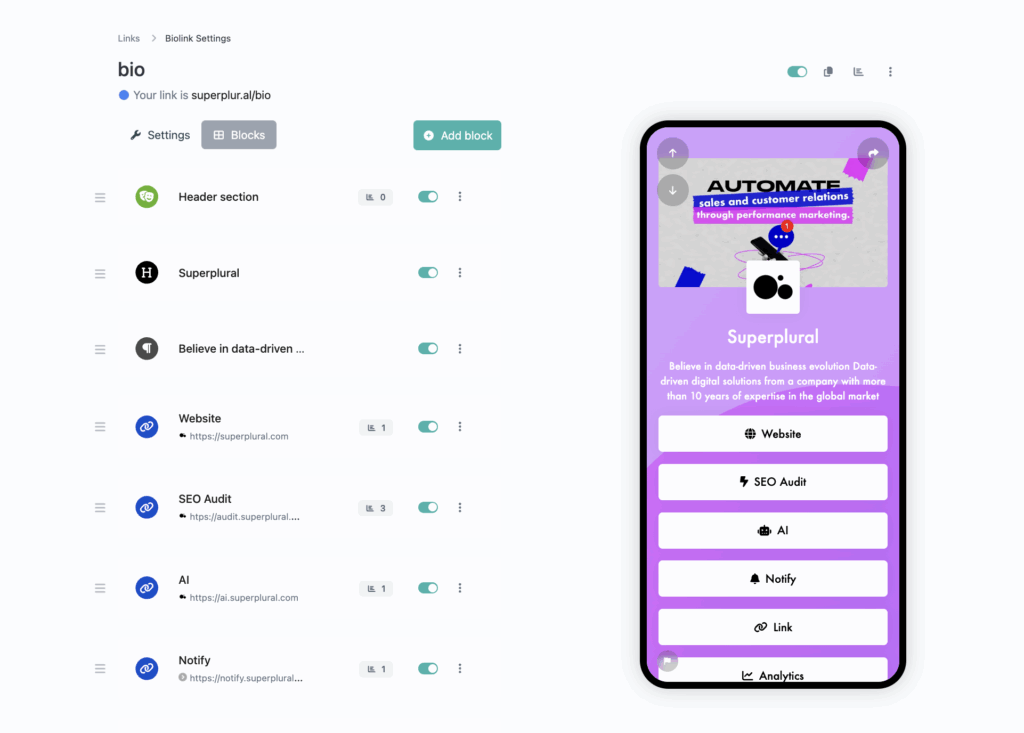
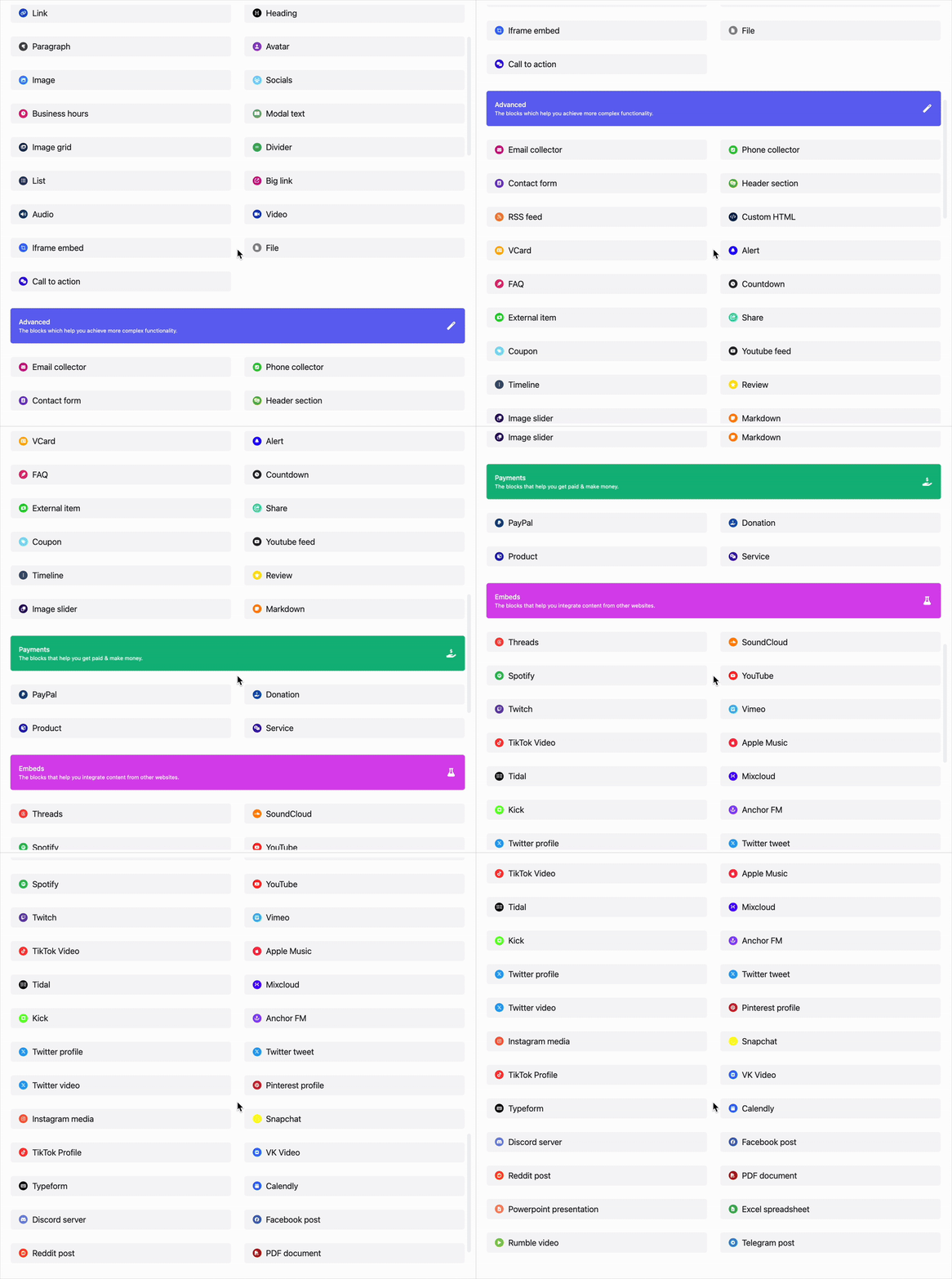
Next to “settings” where you previously customized the background, click “Blocks”. Then click “Add block” and you will see this screen below, with all the blocks you can use on your page.
Publish and put the link in the bio
After inserting the blocks, you will need to save each one after editing, pay close attention to that. Once you’re done and you’re satisfied, copy the link and paste it in your Instagram bio, TikTok, or other social network you prefer.
Don’t forget that at Geral, you have a panel where you can track the hits you have on your page, from the number of visitors, their location, devices, and much more.