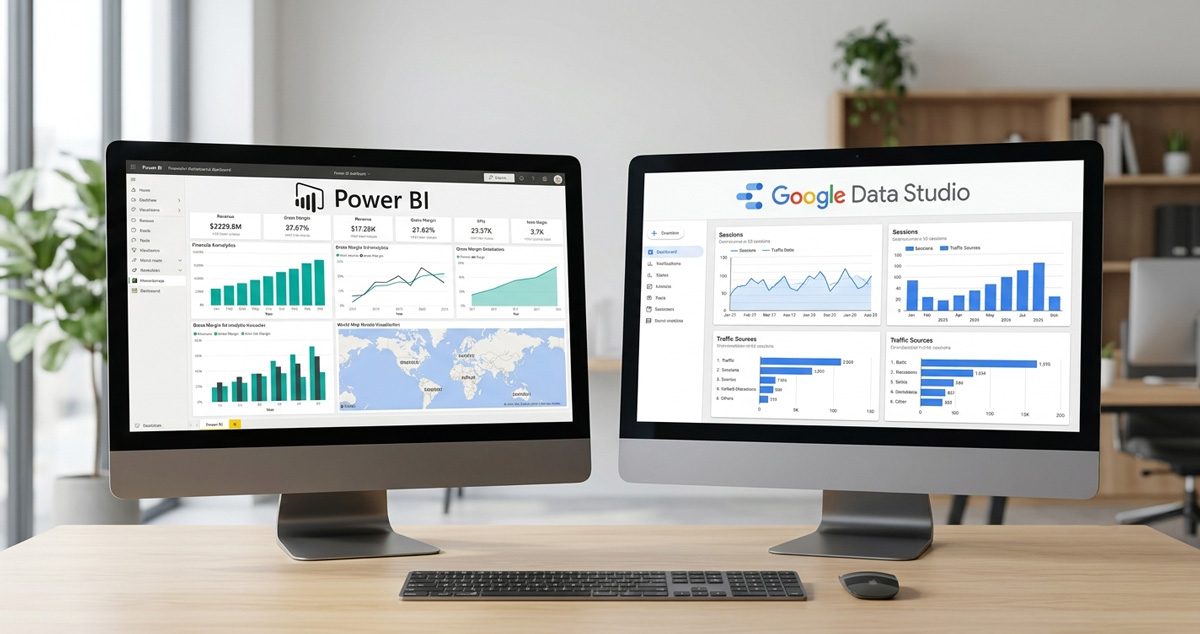

Every week someone asks me the same question, one way or another: “should we use Power BI or Looker Studio?”. And every time I need to start my answer by correcting the name of one of the two tools, because it changed in April this year and almost nobody in Brazil has noticed yet.
First of all: Looker Studio became Data Studio
On April 11, 2026, Google announced that the free dashboard tool everyone knew as Looker Studio has been renamed Data Studio, ending a three-and-a-half-year brand experiment. The paid version became Data Studio Pro. According to the announcement itself, signed by Sean Zinsmeister and Jennifer Skene from Google‘s Data Cloud team, the reason was buyer confusion: the name “Looker Studio” made everyone think the free tool was the same as enterprise Looker, the BI platform that Google acquired for $2.6 billion in 2019. It isn’t. It never was.
I’m going to use both names throughout this post, because most people will still be searching for “Looker Studio” for quite a while, but the official name is now Data Studio.
Three tools, not two
Here’s the biggest source of confusion I see in meetings with clients: people compare Power BI with “the Looker“, not realizing there are two completely different things using that same name. Data Studio (the former Looker Studio) is a free, fast-to-build visualization tool—great for anyone already living in the Google ecosystem. Looker, with no nickname, is the real enterprise BI platform, with its own modeling layer called LookML, designed for data governance at a scale that most Brazilian companies still don’t need to reach.
Power BI, from Microsoft, occupies a similar space to enterprise Looker in terms of depth, but with a more accessible entry path: you can start on your own, without hiring consulting, and grow as your needs increase.
A real comparison: price and capacity
| Tool | Price | Strong point | Typical limit |
|---|---|---|---|
| Data Studio (ex-Looker Studio) | Free, no user or viewer limits | Scaling distribution costs zero—great for public or client dashboards | Slows down with large datasets or complex combined sources |
| Data Studio Pro | ~US$ 9/user/month | Team management and support with SLA | Still limited in deep data modeling |
| Power BI Pro | ~US$ 14/user/month | Robust financial modeling (relationships, Power Query, DAX) | Costs scale quickly with the number of users |
| Power BI Premium per user | ~US$ 20/user/month | Larger models, frequent updates, AI features | Still by license, with no broad free distribution |
| Looker (enterprise) | From ~US$ 60k/year | Data governance and a single semantic layer for the whole company | An investment and complexity beyond what most Brazilian SMEs can realistically deal with |
The number that stands out the most in this table is scaling distribution: deploying Power BI Pro for 500 users viewing a report comes out to about $7,000 per month. The same distribution in Data Studio costs zero, because there’s no license per viewer—only for those who edit.
When each tool makes sense
This isn’t about which tool is better in the abstract; it’s about which one fits your context. Three questions solve most of the decision.
First: does your company already live inside the Google ecosystem (Workspace, BigQuery, Google Ads, GA4) or inside the Microsoft ecosystem (Azure, heavy Excel, Office 365)? This usually determines 70% of the choice before even looking at price, because native integration saves an enormous amount of work from connectors and maintenance.
Second: how many people will just look at the dashboard, without editing anything? If the answer is “a lot of people”—dozens or hundreds of viewers—the editor-based licensing model of Data Studio becomes a financial advantage that’s hard to ignore.
Third: is your need fast visualization or real financial modeling, with complex relationships between tables, elaborate calculations, number auditability? If it’s the second, Power BI almost always wins, because the combination of Power Query and DAX still doesn’t have an equivalent on par with the free side of Google.
Fourth, and this rarely shows up in the overseas comparisons that dominate the first page of search results: who on your team will actually build and maintain the dashboards? DAX has a real learning curve, similar to learning a lean programming language. Data Studio is far more accessible for people who only know spreadsheets and have never written a complex formula. Hiring or training someone for DAX has a cost that doesn’t show up in the license monthly fee—but it shows up in the budget anyway.
The reality of the Brazilian market, which American comparisons ignore
Much of the content that compares these tools was written with a U.S. or European company in mind, with a technology stack that’s already well defined. In Brazil, what we see in practice—serving everything from small family businesses to mid-sized operations—is more fragmented: many traditional companies are still entirely dependent on Excel and the Office suite, which naturally pushes them toward Power BI, because the familiarity curve with spreadsheet logic already exists. Meanwhile, startups and newer tech companies, born after 2015, tend to live entirely within the Google Workspace ecosystem, which makes Data Studio (or eventually enterprise Looker, if the scale justifies it) the path with the least friction.
There is no single universal right answer here. There’s a right answer for the history of tools your team already carries, and ignoring that to follow a generic recommendation from an American blog costs adaptation time that nobody budgets properly before starting.
What we recommend in practice
For most clients who come to our Data Analytics consulting asking this, the initial answer is almost always Data Studio: low risk, zero license cost, and quick to validate whether the habit of looking at dashboards will take hold in the company before any bigger investment. Only after seeing that habit become established—when teams are truly using the dashboard for decision-making—does it make sense to migrate to Power BI to get more robust modeling, or to evaluate Google Cloud as a data foundation to support all of that at a larger scale.
On that last point, it’s worth a parenthesis, because “Google Cloud Partner” is a term people use rather loosely. It’s not a decorative badge: it’s a certification that Google grants after evaluating the volume of delivered project work, individual technical certifications of the team, and documented customer satisfaction. In practice, for those who hire, this means direct technical support from Google if there’s a serious problem, and the assurance that the underlying data architecture behind the beautiful dashboard was built by people who went through external assessment—not just by those who call themselves experts on LinkedIn.
The distinction matters because a dashboard is only as reliable as the data foundation that feeds it. There’s no point in a Data Studio or Power BI dashboard if the underlying data pipeline is wrong, late, or fragile.
The most expensive mistake I see isn’t choosing the wrong tool—it’s jumping straight to enterprise Looker or Power BI Premium without first proving, with a free tool, that the organization will actually use data to make decisions about something. A costly tool solves a scaling problem. It doesn’t solve a data culture problem that doesn’t exist yet.
It’s worth remembering that this isn’t different from what we already discussed about monitoring brand mentions by AI: start with the simple and free process, prove the value, and only then invest in a robust tool. The pattern repeats in almost every data stack decision.
Signs that it’s time to move on from free
After following this transition across multiple clients, certain signs repeat with enough consistency to become a real, non-generic checklist.
- The dashboard takes more than a few seconds to load: it’s usually a sign that the dataset volume or the source complexity is already beyond what Data Studio can handle comfortably.
- More than one person complains about the same different number: when two teams calculate the same metric differently because there’s no central modeling layer defining the truth, it’s a sign that real data governance is missing.
- You’ve already wasted time creating a hacky formula workaround: if you’re building convoluted calculations just because the free tool doesn’t have the native feature, the opportunity cost has already exceeded the value of the license.
- Real business decisions already depend on the dashboard: this is the ultimate test. If it stops working for a day and disrupts a leadership meeting, then the investment in a tool with a support SLA is no longer a luxury.
Frequently asked questions
No. Data Studio (the current name of the former Looker Studio) is a free data visualization tool. Looker, without the nickname, is a paid enterprise BI platform, with its own modeling layer (LookML), designed for large-scale data governance. They’re different products, with very different pricing.
Google announced the change on April 11, 2026, reversing a 2022 rebranding. The stated reason was ongoing buyer confusion: they couldn’t differentiate the free tool from the paid enterprise Looker during the purchasing process.
For most small and medium-sized companies starting out with dashboards, free Data Studio works well. It’s worth migrating to Power BI when the need involves complex financial modeling, relationships between multiple tables, or advanced calculations that DAX handles better than Data Studio.
Yes, indirectly. An agency certified as a Google Cloud Partner helps structure the data foundation (BigQuery, for example) that feeds both Data Studio and Looker. For Power BI, the data foundation usually comes from the Microsoft Azure ecosystem, but nothing prevents a hybrid architecture when it makes sense for the business.